A LynaX address is ready
Your website opens at its own lynax.app address after publishing.

Describe the website you need. AI creates a preview you can review and refine, then you can publish it to an address that is ready to share.
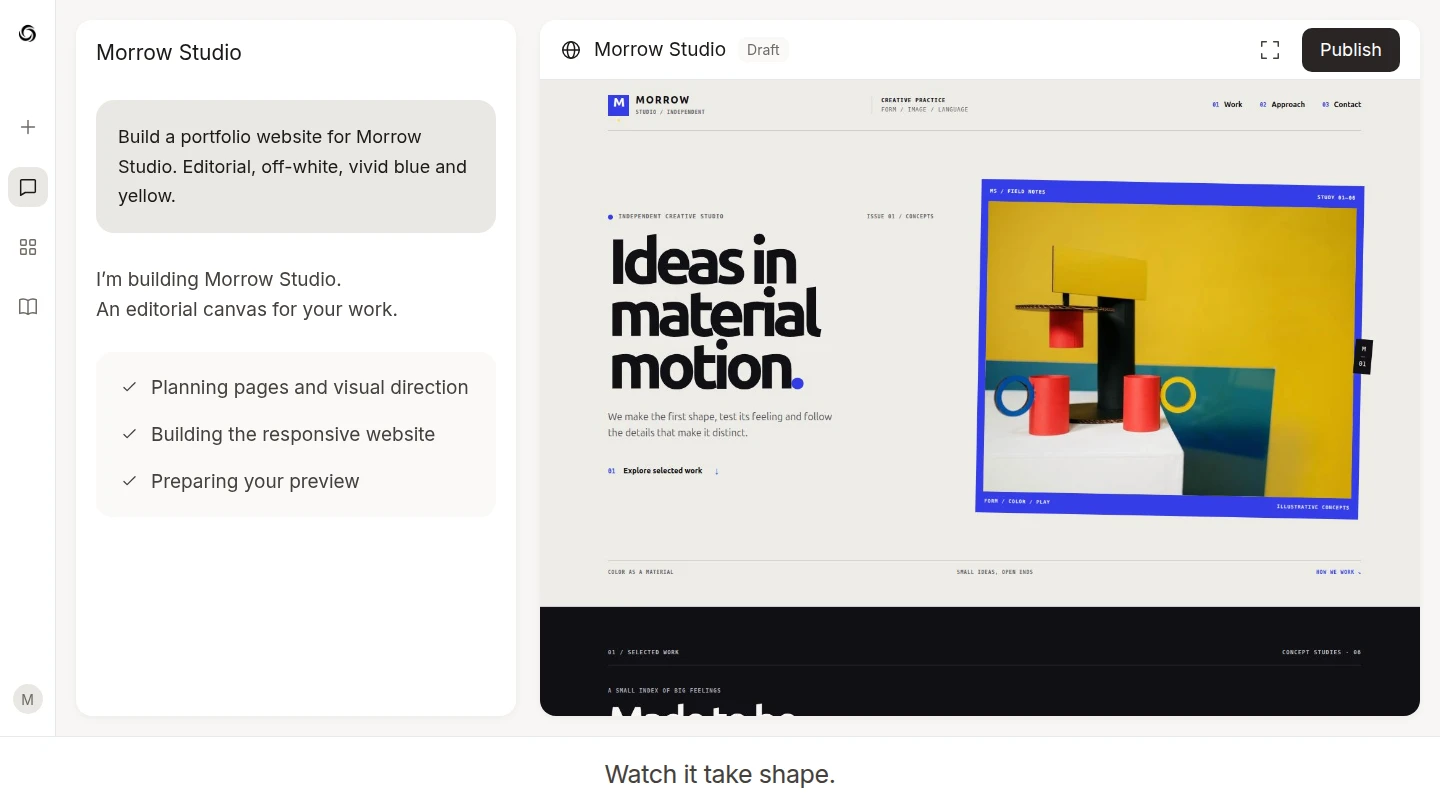
From brief to published site
The request, implementation, preview, and version history stay connected instead of being handed off as disconnected files.
Give AI the audience, pages, data requirements, and visual direction in natural language.
The request, implementation, preview, and version history stay connected instead of being handed off as disconnected files.
Review the working website, request changes, keep versions, and publish when the draft is ready.
Find a design you like, preview it, then make a copy to customize with AI.
Website hosting included
When your website is ready, select Publish to get a web address you can share immediately. LynaX takes care of putting the website online.
Your website opens at its own lynax.app address after publishing.
HTTPS is set up automatically for every connected address.
Connect your business domain by following clear DNS instructions.
What you can build
Use the same workspace for the public experience, its data, and the changes that follow launch.
Use the same workspace for the public experience, its data, and the changes that follow launch.
Use the same workspace for the public experience, its data, and the changes that follow launch.
Create structured article, journal, and detail pages with reusable layouts and working navigation.
Create focused interfaces for approved workspace processes and connect the data sources the experience requires.
More AI Agent capabilities
Start with a request, inspect the real result, and keep every revision connected to the conversation that created it.