LynaX AI Agent
Save conversations, manage outputs, use connected data, and schedule work that needs to run again.
Explore AI Agent
Results library (Artifacts)
Give LynaX a concrete task, then inspect and refine the result in the same conversation.
Website
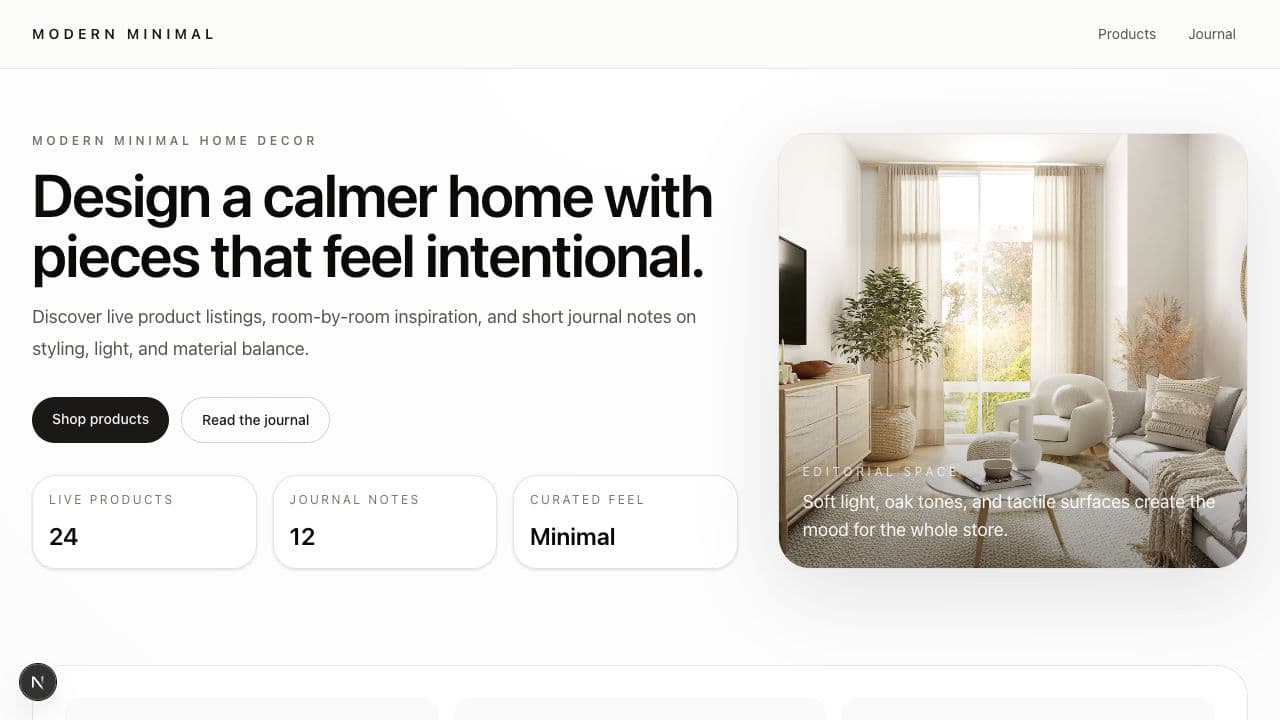
Describe the business, content, and data you need. LynaX builds the project, opens a live preview, and keeps every revision in the same conversation.
 lynax.app
Continue beyond the first result
Save conversations, manage outputs, use connected data, and schedule work that needs to run again.
Explore AI AgentBring customer conversations, business context, and your sales team into one operating flow.
Explore AI SellerConnect one application, assign only the tools required, and let AI work within the permissions you control.
Explore appsTeam collaboration and access
Invite the right people into one workspace, assign access by responsibility, and preserve context as work moves between AI and people.
Workspace seats depend on the plan. Active members and unexpired invitations both use a seat.
Explore team collaborationInvite people by email to work with the business data, AI, and results available to them.
Create roles and choose which areas each person can view or manage.
Business data, AI Agents, AI Sellers, and the Results library stay shared within granted access.
Teammates can continue work or take over a customer conversation while its history stays available.
Create a free account to keep conversations, outputs, and revisions in a private workspace.